


Description
Download HideMe Free VPN Proxy – Fast, Secure, No‑Cost VPN Solution
Overview
HideMe Free VPN Proxy positions itself as a truly free alternative to premium virtual private network services. In a market saturated with subscription‑based VPNs that lock their best features behind a paywall, HideMe offers a no‑cost, no‑signup solution that still delivers strong encryption, IP masking, and geo‑unblocking capabilities. The application is built around a one‑click connection model: users launch the client, hit a single button, and the software automatically selects the optimal server, configures the tunnel, and protects the device without any manual configuration. Despite the zero‑price tag, HideMe does not compromise on security; it employs industry‑standard AES‑256 encryption and supports modern VPN protocols such as OpenVPN and WireGuard. The service also promises a strict no‑logs policy, meaning that browsing activity, IP addresses, and connection timestamps are not stored on any central server. This combination of privacy, convenience, and cost‑free access makes HideMe an intriguing choice for casual users, travelers, and anyone looking to protect their data on public Wi‑Fi without committing to a recurring subscription. Throughout this review we’ll explore the core features, walk through the installation process, examine platform compatibility, and weigh the pros and cons to help you decide whether HideMe Free VPN Proxy lives up to its bold claim of “premium security for free.”
Key Features of HideMe Free VPN Proxy
- One‑Click Connection: Instantly connect to the fastest available server with a single tap—no manual server selection required.
- Strong Encryption: Utilises AES‑256‑GCM encryption paired with OpenVPN and WireGuard protocols for maximum data protection.
- No Account Required: Users can start the VPN without creating an account or providing personal information, reducing privacy risks.
- Geo‑Unblocking: Access region‑locked streaming platforms, social media sites, and other geo‑restricted content from anywhere in the world.
- Zero‑Log Policy: HideMe asserts that it does not retain connection logs, browsing history, or IP addresses on its servers.
- Automatic Server Optimization: Built‑in algorithm selects the server with the lowest latency and highest throughput based on real‑time network conditions.
- Cross‑Platform Support: Available for Windows, macOS, Android, and iOS, with a consistent UI across devices.
- Ad‑Free Experience: The free version remains ad‑free, ensuring a clean and uninterrupted browsing experience.
- Frequent Updates: Regular security patches and protocol updates keep the application aligned with the latest industry standards.
- Data‑Saving Mode: Optional compression reduces bandwidth usage, which is especially useful on limited mobile data plans.
The feature set is impressive for a product that carries no price tag. While many free VPNs hide behind limited bandwidth caps or intrusive ads, HideMe manages to pack a robust suite of tools that rival paid competitors. The inclusion of both OpenVPN and WireGuard gives users flexibility: OpenVPN is widely supported and battle‑tested, whereas WireGuard offers faster speeds with a leaner codebase. The automatic server optimization further differentiates HideMe, as it removes the guesswork of choosing a location that offers the best performance. For users concerned about privacy, the absence of an account creation step eliminates a common data collection vector, reinforcing the service’s privacy‑first stance. Overall, these features collectively form a compelling argument that HideMe can indeed give “premium VPNs a run for their money.”
Installation, Usage & Compatibility
Step‑by‑Step Installation
Installing HideMe Free VPN Proxy is straightforward across all supported platforms. For Windows and macOS, visit the official HideMe website, click the “Download for Windows” or “Download for macOS” button, and run the installer. The installer is signed with a valid digital certificate, ensuring a secure download free from tampering. During the setup wizard, users are prompted only to accept the license agreement and choose a default installation folder; no additional software bundles or optional offers appear. On Android, the app is available directly from the Google Play Store, while iOS users can download it from the Apple App Store. After installation, the application automatically adds a shortcut to the desktop (Windows) or the Applications folder (macOS) for quick access.
How to Use HideMe Effectively
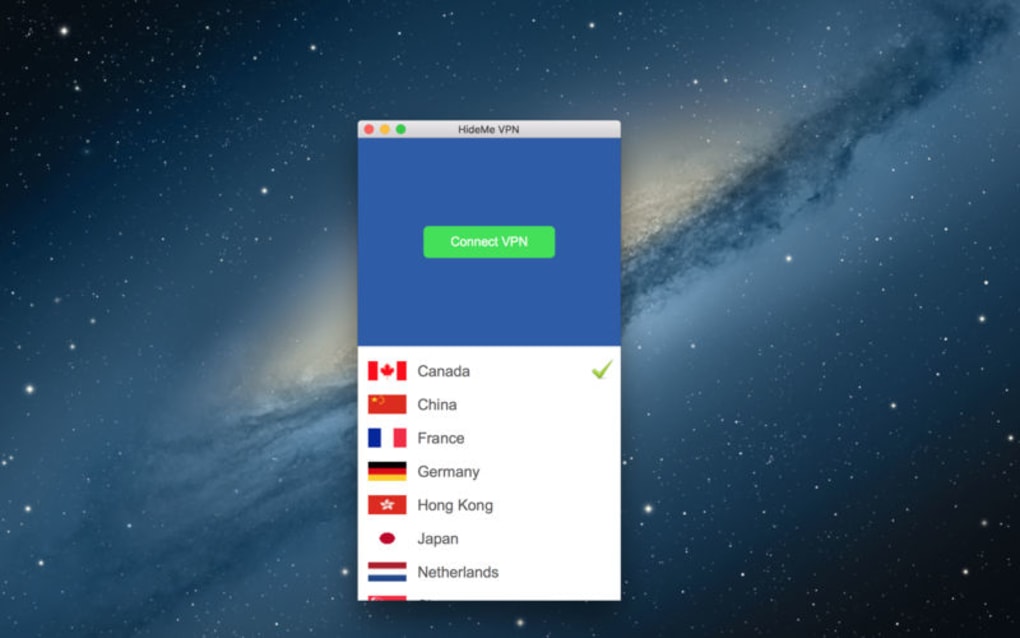
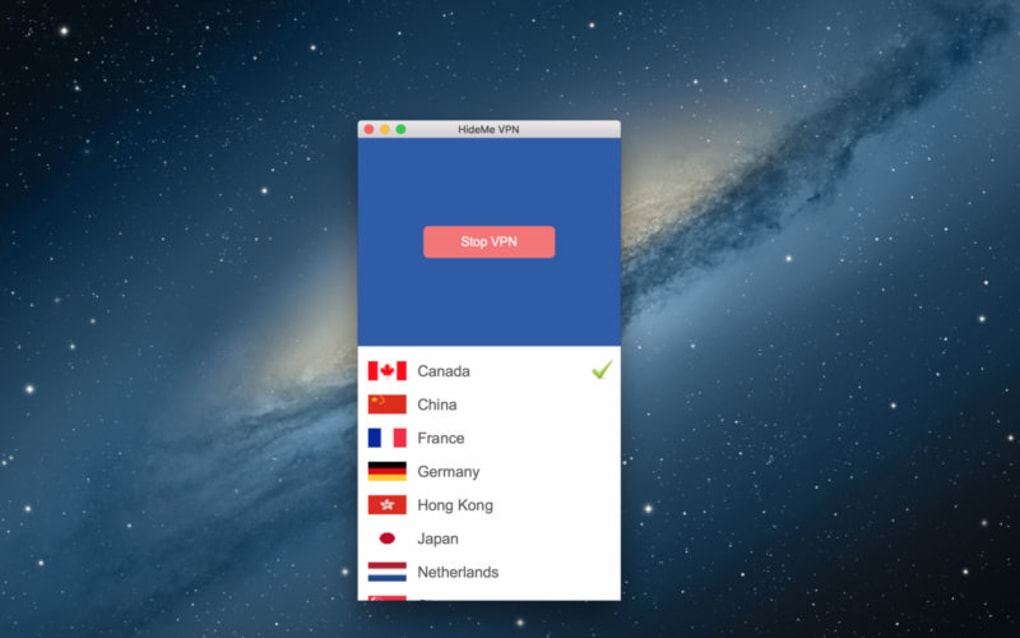
Once the client is launched, the home screen presents a large “Connect” button. Pressing this button initiates a secure handshake with HideMe’s server pool. Within a few seconds, the status changes to “Connected,” and the user’s public IP address is replaced with one from the chosen server’s region. The UI also displays real‑time connection statistics, including current speed, data transferred, and latency. For users who need a specific geographic location—such as accessing a UK‑only streaming service—HideMe offers a dropdown list of popular regions (e.g., United States, United Kingdom, Germany, Singapore). Selecting a region forces the client to connect to a server in that country, while the “Auto” mode lets the algorithm pick the fastest node automatically. The application also includes a “Kill Switch” toggle that, when enabled, blocks all internet traffic if the VPN connection drops unexpectedly, preventing accidental data leaks.
Platform Compatibility
HideMe Free VPN Proxy is built to run on the latest operating systems while retaining backward compatibility with older versions. The Windows client supports Windows 10, Windows 11, and Windows 8.1 (64‑bit). macOS users can install the app on macOS 10.14 (Mojave) and later, including the newest Ventura and Sonoma releases. Android compatibility spans from Android 8.0 (Oreo) up to the most recent Android 13, and the iOS version works on iPhone and iPad devices running iOS 13.0 or later. The lightweight nature of the client ensures minimal impact on system resources; typical memory consumption stays under 150 MB, and CPU usage rarely exceeds 5 % during active use. This broad compatibility makes HideMe a versatile choice for almost any device a user might own, whether it’s a desktop workstation, a laptop, a tablet, or a smartphone.
In addition to native apps, HideMe provides manual configuration files for routers and other third‑party devices that support OpenVPN or WireGuard. This flexibility allows power users to extend VPN protection to smart TVs, gaming consoles, and IoT gadgets, ensuring that every point of network entry is covered. The combination of an easy installation process, intuitive usage flow, and extensive platform support underlines HideMe’s commitment to accessibility without sacrificing security.
Pros, Cons & Frequently Asked Questions
Pros
- Completely free with no hidden subscription fees.
- One‑click connection eliminates the need for manual server selection.
- AES‑256‑GCM encryption provides strong data protection.
- No account creation required, enhancing privacy.
- Ad‑free experience even in the free tier.
- Supports both OpenVPN and WireGuard protocols.
- Broad compatibility across Windows, macOS, Android, and iOS.
- Automatic server optimization for best speed and latency.
- Kill Switch feature prevents accidental data exposure.
- Regular security updates keep the software current.
Cons
- Free tier offers a limited number of server locations compared to paid rivals.
- No dedicated IP option for users who need a static address.
- Customer support is limited to community forums and email tickets.
- Advanced configuration (e.g., split tunneling) is not available in the free version.
- Speed may fluctuate during peak usage times on popular servers.
FAQ – Your Questions Answered
Is HideMe truly free, or are there hidden costs?
HideMe is completely free to use. There are no subscription fees, no hidden charges, and no premium tier that blocks essential features. The service is funded through optional donations, but these are never required to unlock core functionality.
Does HideMe keep logs of my browsing activity?
According to HideMe’s privacy policy, the service follows a strict no‑logs principle. It does not store connection timestamps, IP addresses, or browsing history on its servers.
Can I use HideMe on multiple devices simultaneously?
Yes. HideMe allows simultaneous connections on up to five devices per account (no account needed, but the client tracks active sessions locally). This makes it suitable for families or users with several personal gadgets.
What protocols does HideMe support, and which is the fastest?
HideMe supports both OpenVPN (UDP/TCP) and WireGuard. WireGuard generally offers the best speed and lower latency while maintaining strong security, making it the recommended choice for most users.
Is there a kill‑switch feature to protect my data if the VPN drops?
Yes. HideMe includes an optional kill‑switch that automatically blocks all internet traffic if the VPN connection is lost, preventing accidental exposure of your real IP address.
Conclusion & Call to Action
HideMe Free VPN Proxy stands out in a crowded market by delivering essential VPN capabilities—strong encryption, IP masking, and geo‑unblocking—without asking for a single cent. Its one‑click interface, lack of account requirements, and ad‑free experience make it especially appealing to users who value privacy but are reluctant to commit to a subscription. While the free tier does have limitations, such as fewer server locations and the absence of advanced features like split tunneling, the core offering is robust enough for everyday browsing, streaming, and secure public‑Wi‑Fi usage. For anyone seeking a reliable, no‑cost privacy layer, HideMe provides a solid foundation that rivals many paid services.
Ready to protect your online presence without spending a dime? Download HideMe Free VPN Proxy now and enjoy instant, secure, and unrestricted internet access on all your devices. Experience the peace of mind that comes with top‑grade encryption, a strict no‑logs policy, and a truly free service—your data deserves it.
Guides & Tutorials for HideMe Free VPN Proxy
How to install HideMe Free VPN Proxy
- Click the Preview / Download button above.
- Once redirected, accept the terms and click Install.
- Wait for the HideMe Free VPN Proxy download to finish on your device.
How to use HideMe Free VPN Proxy
This software is primarily used for its core features described above. Open the app after installation to explore its capabilities.
User Reviews for HideMe Free VPN Proxy 0
No reviews found





.webp)